Account Setup & Management
Already have an account? Jump to Quick Start to configure your tools. Want to explore the full platform? See Platform Guide.
1. Get Your API Key
1. Register
Visit fishxcode.com and click Register:
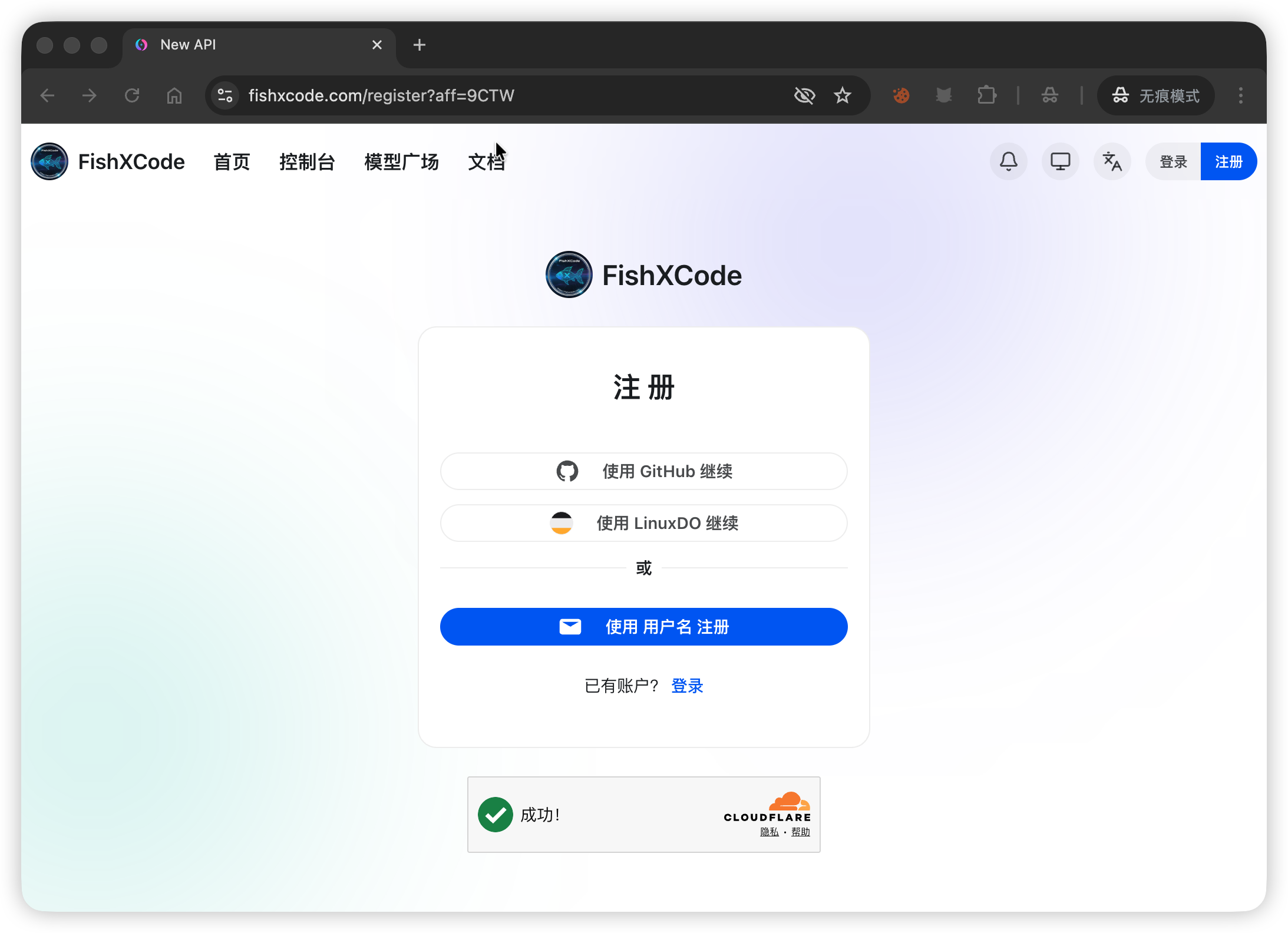
Choose a registration method (GitHub, LinuxDO, or username):
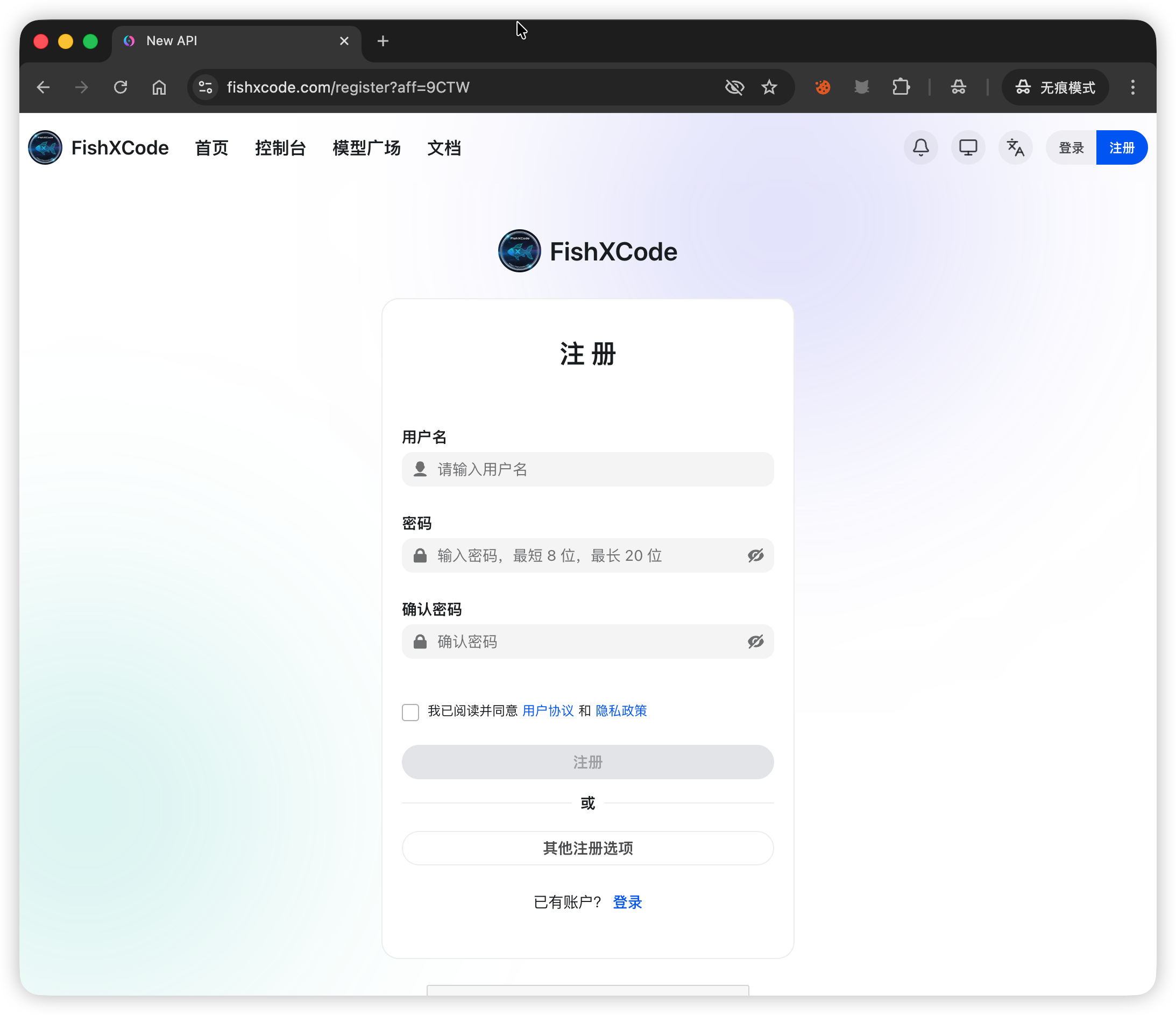
Fill in your username, password, and confirm password to complete registration:
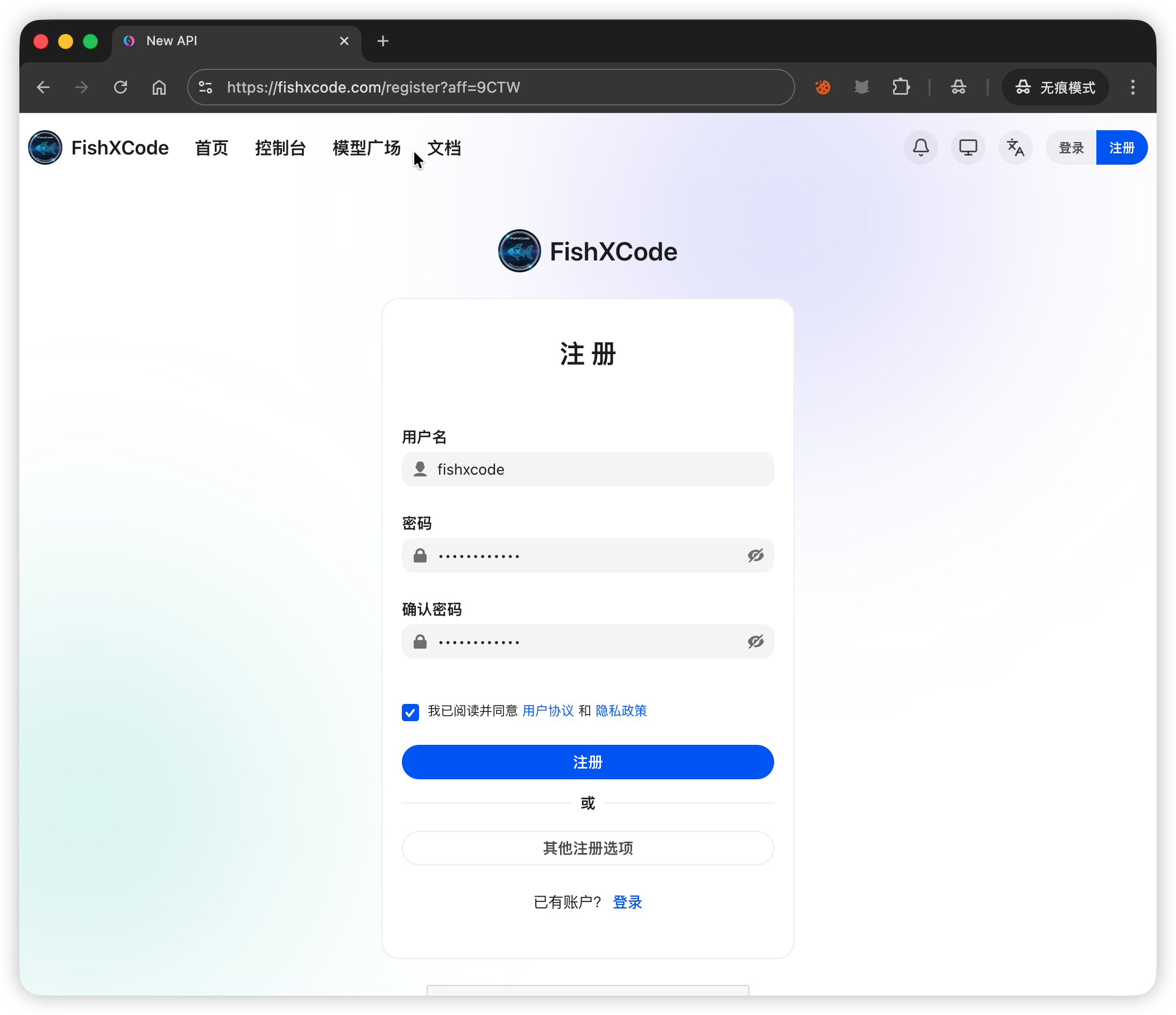
2. Log In
After registering, log in with your username and password:
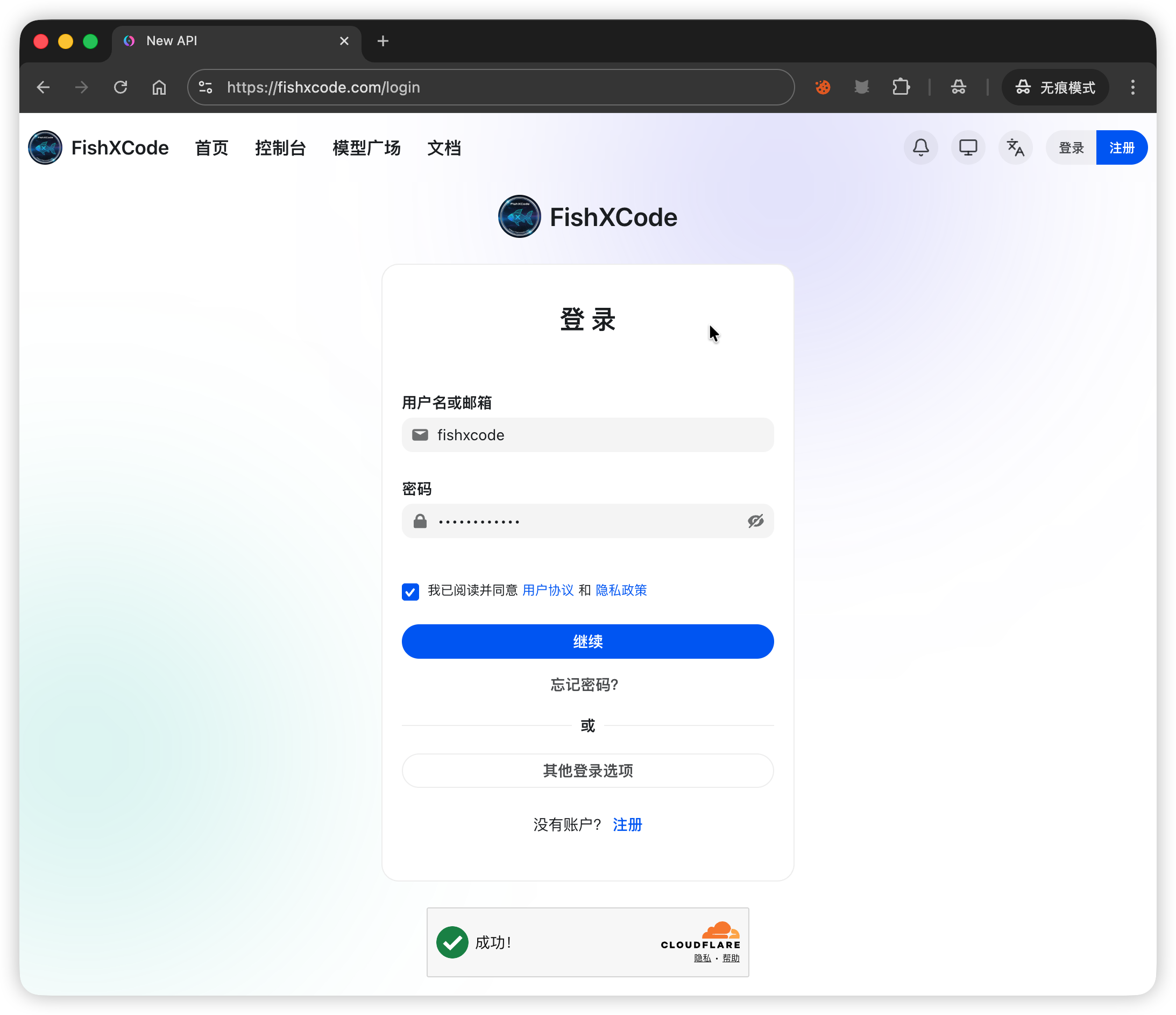
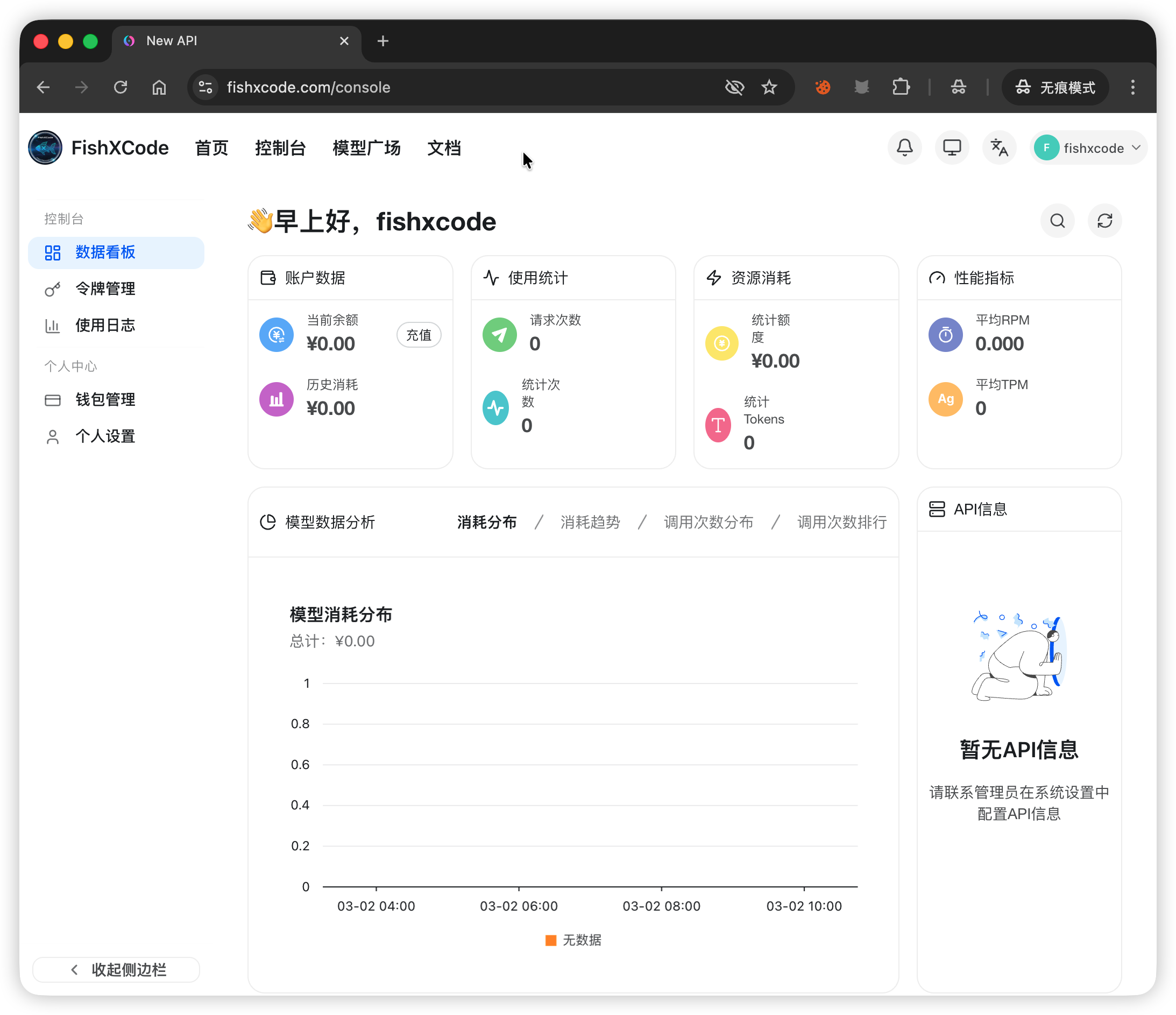
After logging in, you will be taken to the console:
3. Create a Token
Go to Console -> Token Management -> Add Token and fill in the form:
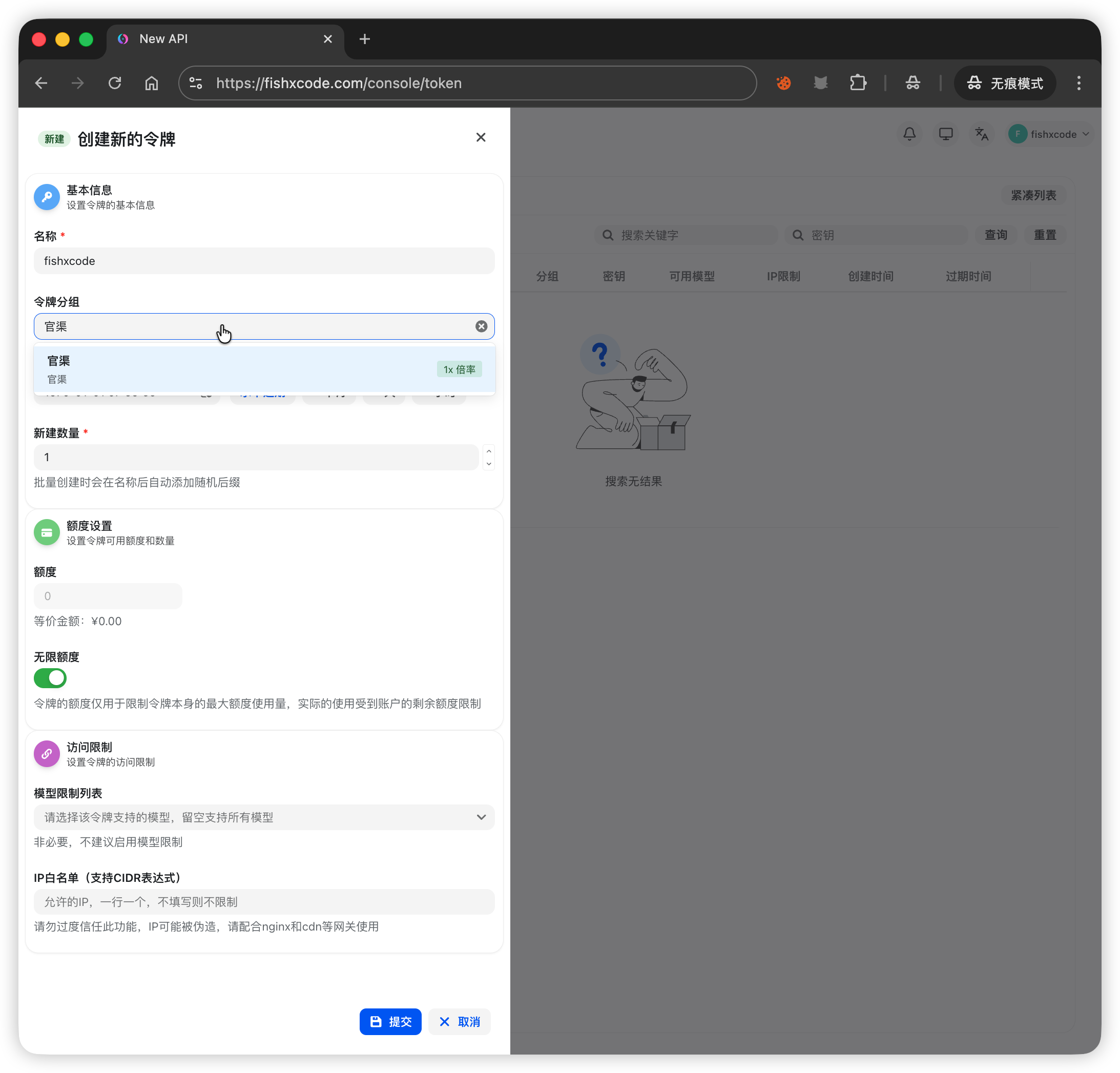
- For Token Group, select Official Channel. This group includes the full Claude model lineup and automatically selects the best model based on task complexity. Specific channels and models are subject to change -- check the Pricing page for the latest information.
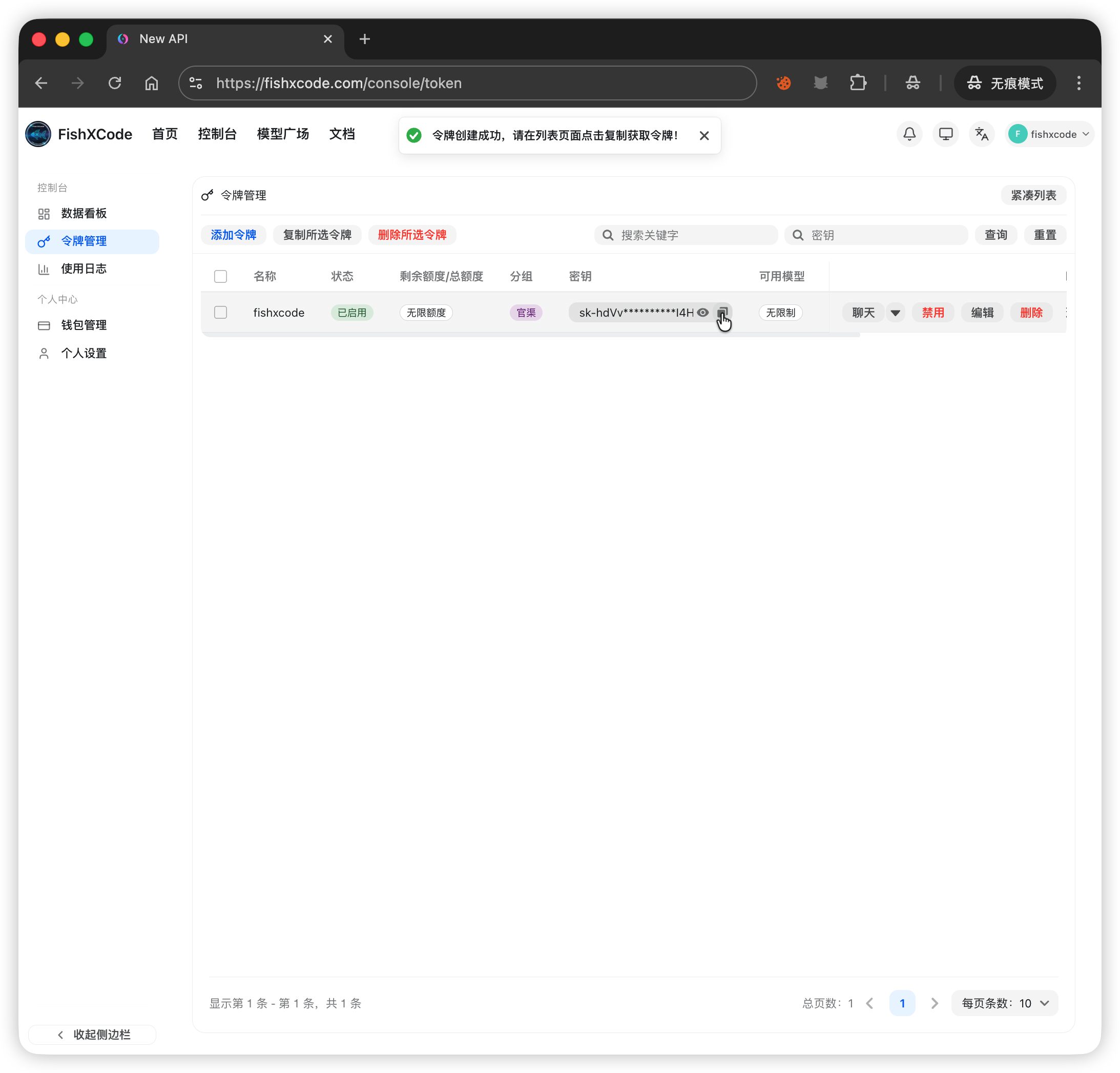
After creation, click the Copy button in the token list to get your API Key (format: sk-xxx):
4. Top Up
Go to Console -> Wallet Management. Alipay, WeChat Pay, and redeem codes are supported:
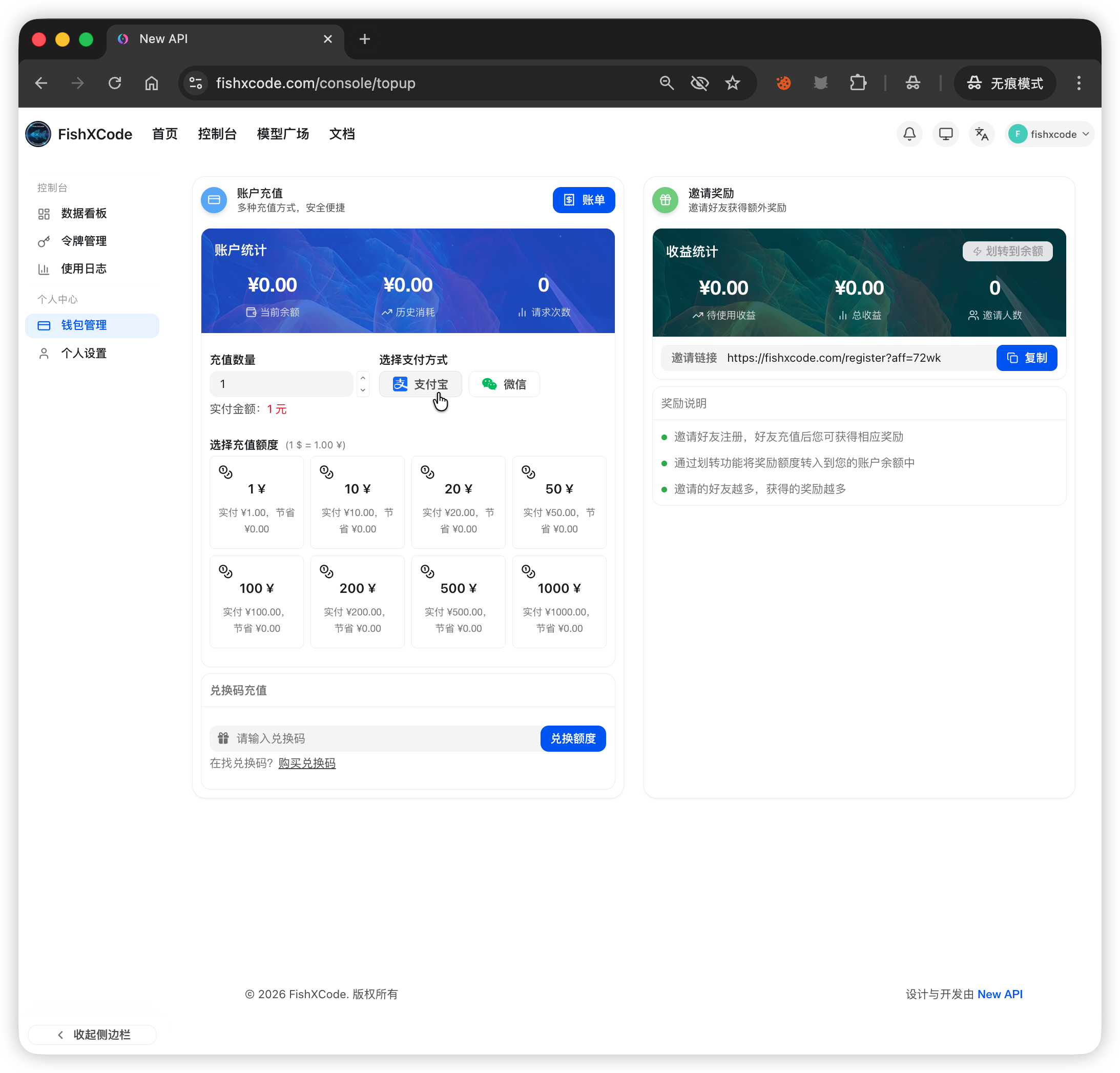
| Method | Steps |
|---|---|
| Alipay | Enter/select amount -> Alipay |
| WeChat Pay | Enter/select amount -> WeChat |
| Redeem Code | Enter code in the redeem section -> Click Redeem |
Rate Multiplier
A group labeled 0.5x in the group name means a 0.5x consumption multiplier -- the lower the value, the more tokens you get. For example, 0.5x means 1 CNY gives you 10M official tokens (vs. 5M at the official price).
2. Token Management
Token Group Details
When creating a token, you need to select a group. Different groups determine the available model range and consumption rate:
| Group Type | Description | Use Case |
|---|---|---|
| Official Channel | Full Claude model lineup, automatic routing | Recommended for most users |
| Low-rate Groups | Lower consumption rate, higher cost-efficiency | High-frequency calls, cost-sensitive scenarios |
Recommendation
If you are unsure which group to select, choose Official Channel. The system will automatically select the most suitable model based on task complexity.
Token Security Best Practices
- Rotate regularly: Replace your tokens every 30-90 days to reduce the risk of exposure
- Never store in plaintext: Do not hardcode API Keys in source code or commit them to Git repositories -- use environment variables instead
- Separate tokens per project: Create independent tokens for different projects for easier management and tracking
- Handle leaks immediately: If you suspect a token has been leaked, delete it from the console right away and create a new one
Modify & Delete Tokens
In Console -> Token Management:
- View details: Click the token name to view its group, model scope, and creation time
- Copy token: Click the copy button in the list
- Delete token: Click the delete button. Once deleted, the token is immediately invalidated and any tools using it will no longer be able to make calls
Caution
Deletion is irreversible. Make sure you no longer need the token before deleting it.
3. Account Security
Password & Login Security
- Use a strong password (8+ characters, including uppercase, lowercase letters, and numbers)
- Do not reuse passwords across multiple platforms
- If you forget your password, use the password recovery process on the login page to reset it
Third-Party Login
FishXCode supports the following third-party login methods:
| Method | Description |
|---|---|
| GitHub | Recommended for developers, one-click authorization login |
| LinuxDO | Community users can log in directly |
After binding a third-party account, you can log in using that platform's authorization without entering a password.
Anomaly Detection
If you notice any of the following issues, take action immediately:
- Unusual spending increase -> Check whether any tokens have been leaked; if necessary, delete all tokens and create new ones
- Cannot log in -> Try password recovery; if the issue persists, contact official support
- Unexpected balance deductions -> Check the usage logs for specific call records to confirm whether the consumption is legitimate
Contact Support
If you encounter account issues, get help through the Contact Us page.
4. FAQ
Can't receive the verification code?
- Check that the email address is correct (watch for typos and domain errors)
- Check your spam or junk mail folder
- Wait 1-2 minutes and try again -- avoid sending repeated requests
- If you still cannot receive the code, try a different email address or use third-party login
Where to find created tokens?
Go to Console -> Token Management. Your created tokens will appear in the list. Click the copy button to get the sk-xxx format API Key.
Top-up not reflected?
- Confirm that the payment was successful (check your Alipay/WeChat transaction history)
- Wait 1-5 minutes -- there may be a short delay
- Refresh the console wallet page
- If it has been more than 10 minutes, contact support and provide a payment screenshot
How to check spending details?
Go to Console -> Usage Logs to view details for each API call:
- Call time and model name
- Token consumption and cost
- Request IP and detailed records